Vibe Coding for Non-Programmers: Lessons From the FM-1
What a hacked synthesizer teaches about vibe coding for non-programmers: where AI-built software shines, where quality breaks, and how to test before…
On this page
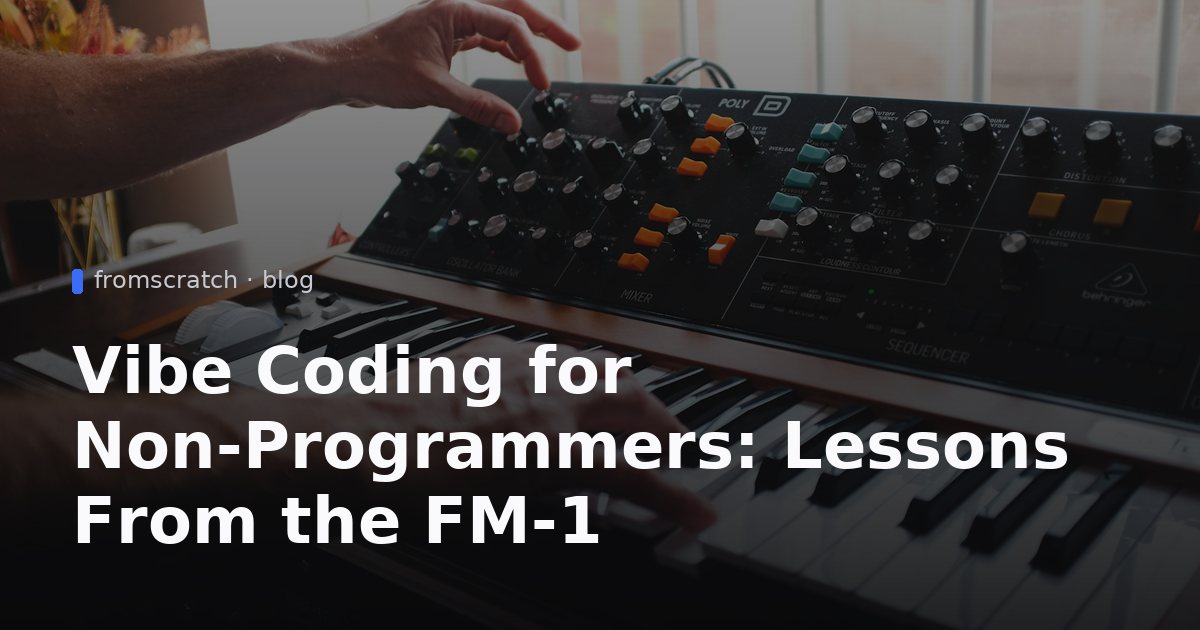
Vibe coding for non-programmers sounds like a slogan until you watch it happen in a niche community. In late 2026, a cheap synthesizer called the M-Vave FM-1 turned into a playground for hundreds of community-written programs, and Hackaday covered the story. The lessons carry over to anyone who wants custom software without writing it by hand: what AI-assisted building does well, where it breaks, and how to avoid getting burned.
What happened with the FM-1
According to Hackaday, the FM-1 was an unremarkable little synthesizer "toy" until open-source synth hackers took it over. As sold, it is a Yamaha DX7 emulator. Its sound engine appears to be the same one used in Dexed, an open-source DX7 clone that itself descends from an older project called msfa. In other words, most of the good stuff inside was open source all along, wrapped in a user interface that Hackaday calls not entirely inspiring.
From stock device to platform
The turning point was a thorough reverse-engineering of the machine by a developer who goes by AL-255, published about four months before Hackaday's article. That work, which also confirmed the msfa signatures in the code, laid the groundwork for everything else.
Then the community moved fast:
- One developer reworked the firmware with a virtual analog layer and a much nicer interface, though it stayed closed-source.
- Another released Felucca, an open-source program that added a sequencer, multiple instruments, drums and sound effects, turning the single-instrument box into what Hackaday describes as a miniature "groovebox."
- A later project, Sloop, refined Felucca and is called probably the standout application on the platform.
- A community Firmware Hub collected around 250 applications in about six weeks, from serious musical interface experiments to rainbow-colored kids' toys, fart machines and recreations of classic synthesizers.
The official SDK twist
Then the manufacturer, M-Vave, decided to open-source its firmware and SDK, with one exception: the sound engine, which is still released as a binary blob. Hackaday notes that nobody knows why and mentions speculation about licensing. The result is official open-firmware support, and musicians who had never flashed a microcontroller are now replacing stock bootloaders. Hackaday also notes a downside of the popularity: prices rose about 50% in the month before publication.
Why this is a vibe coding story
Hackaday is careful here, and so should we be. Reading through AL-255's work, the author concludes it was almost certainly worked on and documented with the help of AI tools, but says there is no way to know the relative contribution of person and machine. The same uncertainty applies to the many programs that followed, though Hackaday guesses, given how fast they appeared, that AI assistance played a large part.
That is the useful part of the story. It's not a claim that AI built a product from nothing. It's an example of vibe coding on open source hardware, where several ingredients lined up at once.
Documentation as a force multiplier
Hackaday points out that publishing a reverse-engineering effort lets others point their own AI tools at the repository and gives them "a tremendous leg up" on the next steps. The hard, slow part (figuring out how the thing works) was done once and written down. After that, anyone could ask an assistant to build on top of it.
The same pattern applies to business software. An AI builder works best when it has something concrete to build from: a clear description of the problem, a sample of your real data, a known pattern such as a catalog, a booking form or a dashboard. A blank page and a vague wish produce vague software.
Who benefits: makers, not just engineers
The FM-1 story is notable for who showed up. Hackaday describes the combination as inexpensive hardware, AI-written software and easy tooling, which brings firmware hacking to the mainstream. Musicians with no embedded-systems background ended up flashing their own firmware.
That is the answer to a question many founders and freelancers ask: can you build software without coding using AI? The FM-1 crowd suggests yes, when the foundation is solid and the tooling is friendly. It does not suggest that the output is automatically good, which brings us to the catch.
The catch: vibe coding quality problems are real
Hackaday is blunt about it: there is no guarantee of quality or suitability for purpose among those 250 applications. On some, pitch bend doesn't work because whoever (or whatever) wrote the code didn't get around to it. Others have USB problems. Some have audio glitches, which Hackaday calls a serious issue for a machine whose entire job is making sound. It describes the whole scene as the wild west, and notes that with applications piling in so quickly, any review is only a snapshot.
Missing features nobody got around to
Missing pitch bend is a perfect small example of how AI-assisted projects fail. Nothing crashes. The feature simply isn't there, because nobody asked for it, tested it or noticed. In a business app, the equivalents are quieter still:
- A form that saves but never validates an email address.
- A list that works with five rows and slows down with five hundred.
- A page that looks fine on your laptop and breaks on a phone.
- A "delete" button that anyone can reach because login was never required.
Why testing matters more than generating
So, is vibe coded software reliable? The honest answer from this story is: sometimes, and you can't tell without checking. Generation is now cheap. Verification is where your time should go. A demo that works once is not a product that works for customers.
Hackaday's own conclusion is measured, too. Video reviews of the FM-1 range from "Game Changer: The Industry is Doomed!" to "Robot Slop," and the author thinks both are overblown. Open-source projects have always existed in the synth world; this one just got a lot more people involved. Treat AI-built software the same way: neither magic nor junk, but a fast first draft that needs a careful owner.
Vibe coding for non-programmers: what to take from the FM-1
If you're new to this, a few habits from the FM-1 story translate directly. For a longer look at how newcomers fare, see our post on lessons from musicians who tried vibe coding.
Pick a narrow first version
The standout FM-1 programs didn't try to do everything. Felucca added a sequencer and instruments on top of an existing sound engine; it didn't rebuild the engine. Do the same: choose one real use case, one type of user and one core flow. "A searchable library my group can submit to" is a good scope. "A platform for everything my group does" is not.
Iterate in small steps
When you build a custom app with AI, ask for one change at a time: add a search bar, then a category filter, then login. Small steps make it obvious which change broke something. This is also why a version history matters. If a change goes wrong, you want to roll back instead of untangling it.
Test on real data and real devices
Hackaday's list of problems (USB trouble, audio glitches) are the kind that only show up on real hardware with real use. For an app, that means loading your actual content, not three placeholder rows, and opening it on a phone, a laptop and a different browser. If you're unsure how this approach differs from older tools, our comparison of no-code vs AI app builders explains what changes.
A pre-launch checklist before you share your app
Before real users arrive, run through this list. It takes under an hour for a small app and catches most of the embarrassing problems.
Functionality
- Walk through every core flow yourself, start to finish.
- Test edge cases: empty states, very long text, bad input, a file of the wrong type.
- Try to break it the way a careless user would: double-click buttons, refresh mid-action, go back.
- Check it on a phone.
Access and security
- Decide who can see what, and who can add, edit or delete.
- Make sure login is required wherever it should be. Our guide on adding user login without coding walks through it.
- Don't put secrets, passwords or private customer data in places a visitor can see.
- Read the AI app security checklist before you publish.
Publish and monitor
- Share first with a handful of friendly users and watch what they do.
- Keep a short list of bugs and fix them one at a time.
- Use the deployment checklist for non-coders for the final steps.
Build it with FromScratch
FromScratch is an AI app builder: you describe what you want in a chat, and an AI agent builds a React front-end, a Python (FastAPI) back-end and a database. The app appears in a live preview within minutes, and you refine it with follow-up messages. Here is how to build a small community app, inspired by the FM-1 scene, where hobbyists share their own creations.
Example prompt
- Gather a spreadsheet of a few sample entries (title, description, category, author). Real entries beat placeholders.
- Start a new project in FromScratch and attach the spreadsheet (PDFs and images work too).
- Paste this prompt into the chat:
Build a web app called Community Patch Library where members of a hobby group can browse, search and submit shared presets for their gear. Each entry needs a title, a short description, a category, an uploaded file and the author's name. Add a search bar, category filters, a simple rating, and require login to submit or rate. Use the sample entries from the spreadsheet I attached.
Refine, test, publish
- Open the live preview and click through browsing, searching and filtering with your sample entries.
- Refine by chat, one change per message. For example: "Show the newest entries first," or "Add a short note under the submit button explaining accepted file types."
- Test the edges: submit an entry with an empty field, try to rate while logged out, upload an unexpected file.
- Every change is saved as a version. If an edit breaks something, restore an earlier one.
- When you're happy, publish with one click to a public URL, or connect your own custom domain.
There's a free plan to start, so you can try the whole flow before deciding whether you need more. For a broader walkthrough, see how to build an app without coding.
FAQ
Is vibe coding good enough for real products?
It can be, but quality varies. The FM-1 community produced about 250 programs in roughly six weeks, and Hackaday reports that some have missing features, USB problems or audio glitches. Treat generated software as a fast first draft, and test it before customers depend on it.
Do I need to understand the code to build with AI?
Not to get a first version running. You do need to understand what the app should do and check that it does it. Your job shifts from writing code to describing behavior clearly and verifying the result.
How do I keep quality high when AI writes the code?
Keep the scope small, change one thing at a time, and test with real data on real devices. Run through a checklist covering core flows, edge cases, login and access before you share the app. Most quality problems come from skipping that verification step, not from the generation step.
What should I build first?
Pick one narrow problem that you or your group has right now, such as a shared library, a request form or a simple internal tracker. A small app with a clear purpose is easier to test and improve than an ambitious one. You can always expand it later.
Can I change my mind after something breaks?
Yes. In FromScratch, every change is saved as a version, so you can restore an earlier one when an edit goes wrong. That makes experimenting much less risky, because a bad change costs you a minute instead of an afternoon.


